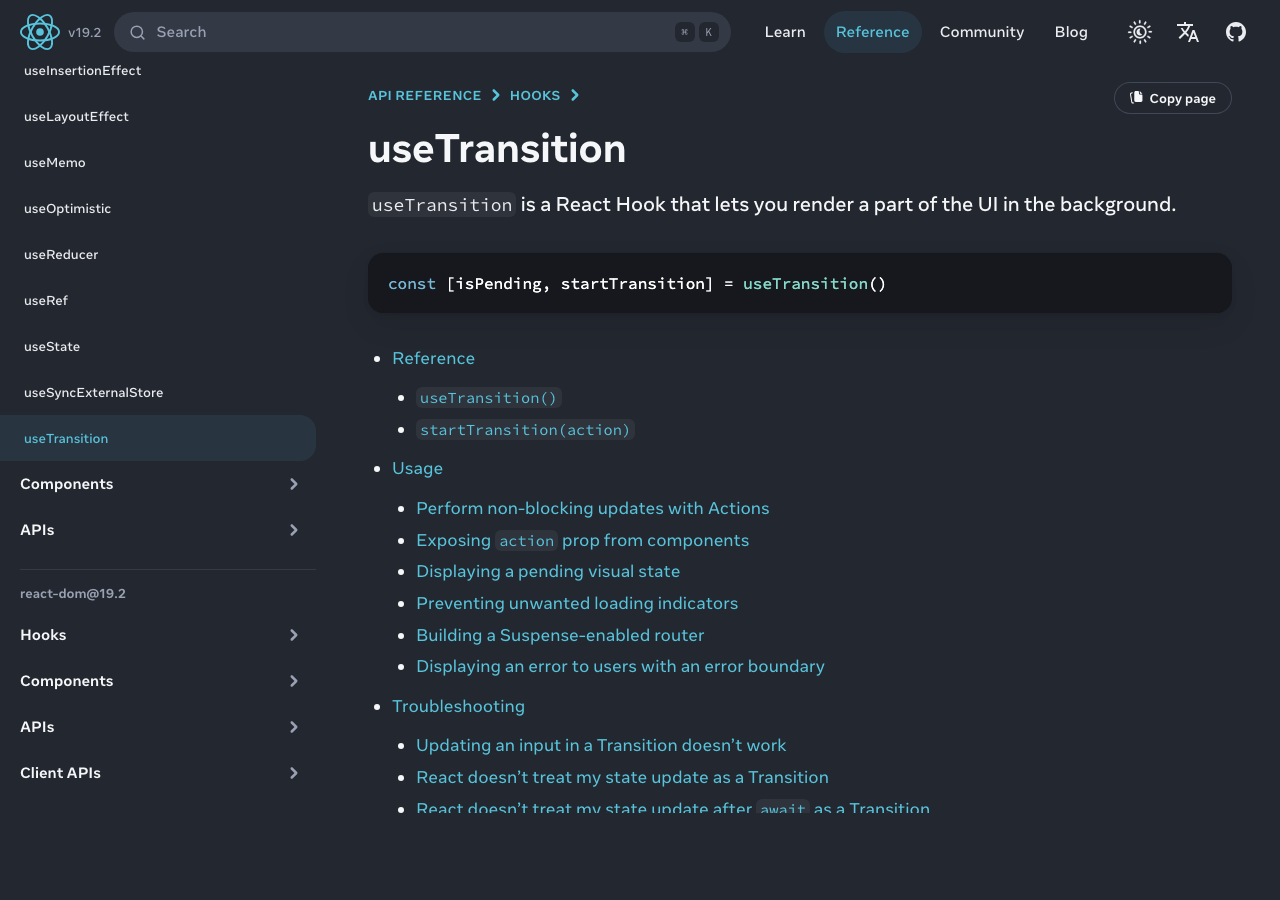
If you’ve read the React 18 release notes more than once you’ve probably noticed that useTransition and useDeferredValue appear to do the same thing. Both let you mark a state update as low-priority so the UI stays responsive during expensive renders. Both are part of the concurrent renderer machinery. Both are documented with examples that look interchangeable. The difference matters more than the docs make it sound, and picking the wrong one in a real app can lead to either unnecessary boilerplate or subtle re-render bugs. This article walks through the actual difference, with the rule I use to decide between them in production code.
The two-line summary
Reach for useTransition when you control the code that triggers the state update. Reach for useDeferredValue when the value is being passed into your component from a parent and you can’t change how it was set. That’s the entire decision in most cases. The rest of this article is the longer explanation for why that rule works and what edge cases break it.
What useTransition actually does
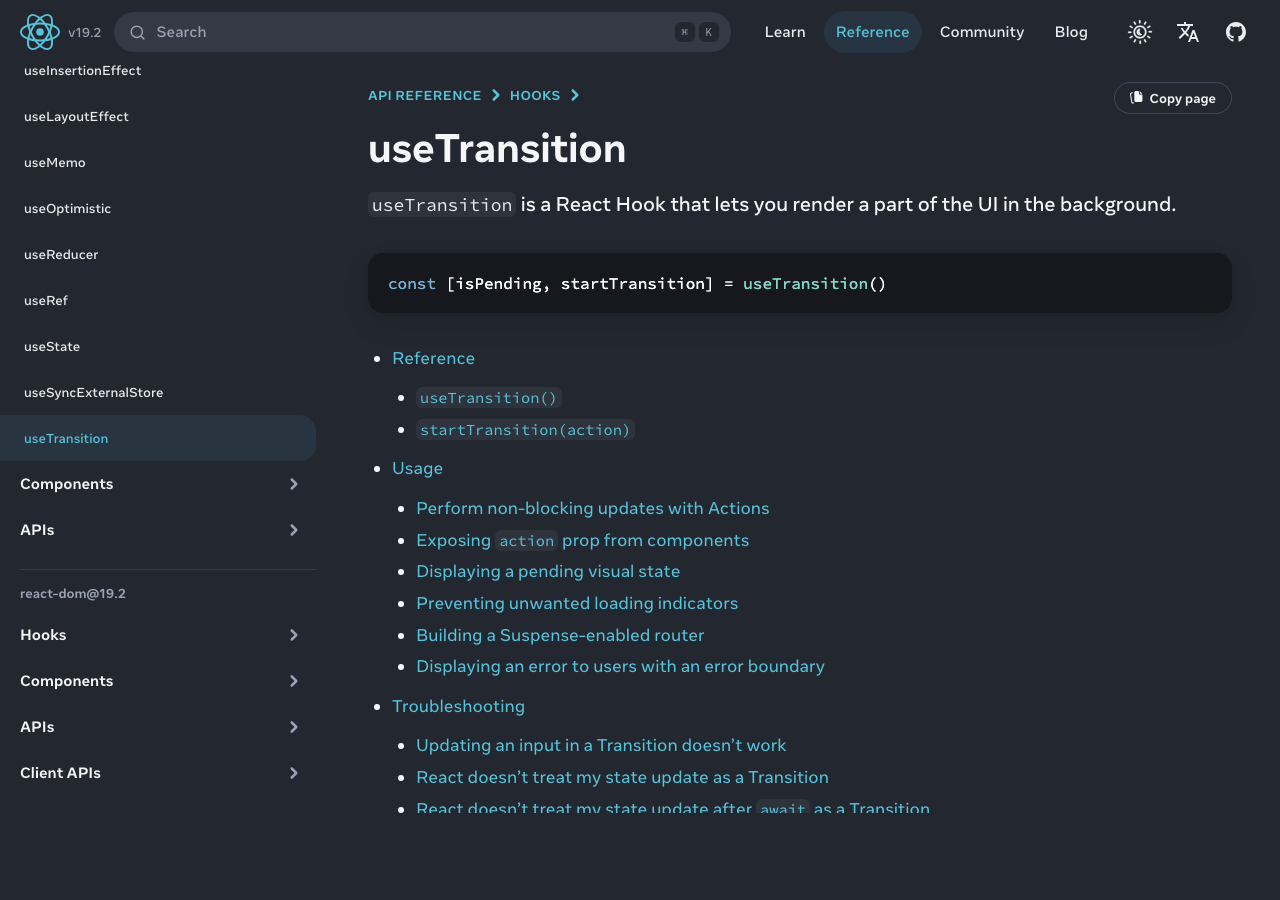
useTransition gives you a function — typically called startTransition — that you wrap around state updates to mark them as transitions. A transition is a state update that React will treat as interruptible: if a higher-priority update comes in (a click, a keystroke, anything from a real user input), React will pause the transition and process the urgent work first.
function SearchBox() {
  const [query, setQuery] = useState('');
  const [results, setResults] = useState([]);
  const [isPending, startTransition] = useTransition();

  function handleChange(e) {
    setQuery(e.target.value); // urgent update — keep input responsive
    startTransition(() => {
      setResults(filterLargeList(e.target.value)); // low-priority
    });
  }

  return (
    <>
      <input value={query} onChange={handleChange} />
      {isPending ? <Spinner /> : <ResultList items={results} />}
    </>
  );
}
The key thing here: you have direct access to setResults and you choose to wrap it in startTransition. The state update is marked low-priority at the moment it’s dispatched. React knows from the dispatch site that this update can be deferred, and it manages the rest. The isPending boolean tells you whether a transition is currently in flight, so you can show a loading indicator without yanking the old results away.
What useDeferredValue actually does
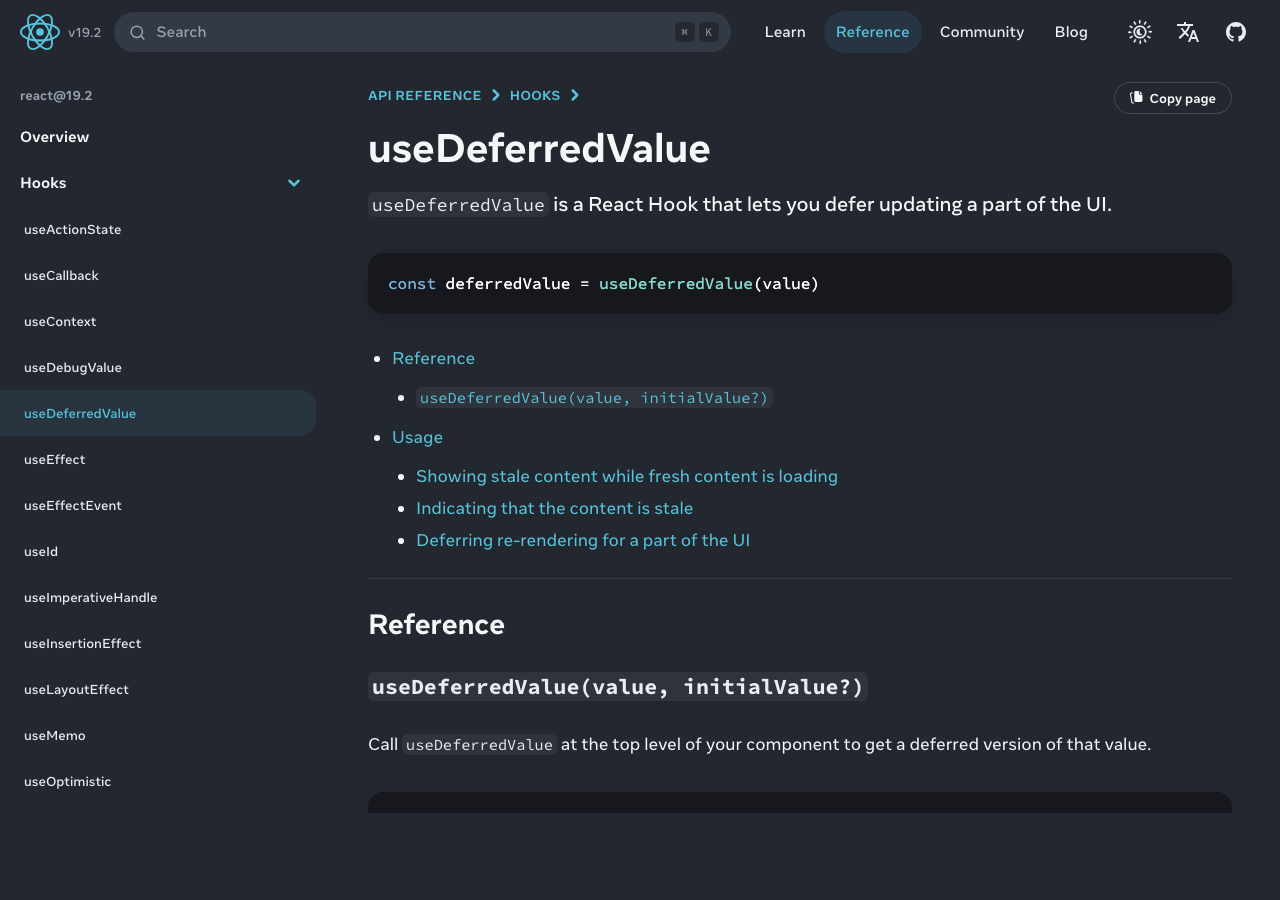
useDeferredValue takes a value as input and returns a copy of that value that lags behind during transitions. When the input value changes, useDeferredValue immediately returns the old value, then re-renders the component with the new value as a low-priority update.
function SearchResults({ query }) {
  const deferredQuery = useDeferredValue(query);
  const results = useMemo(
    () => filterLargeList(deferredQuery),
    [deferredQuery]
  );
  const isStale = query !== deferredQuery;

  return (
    <div style={{ opacity: isStale ? 0.5 : 1 }}>
      <ResultList items={results} />
    </div>
  );
}
Notice that this component doesn’t have access to setQuery at all. The query is being passed in from a parent, and the parent might be using useTransition or might not be. useDeferredValue is the tool you reach for when you want to defer a re-render that depends on a prop you can’t change at the source.
The isStale trick — comparing the live and deferred values — is the equivalent of isPending from useTransition. When they’re different, you know you’re showing the old results while React processes the new ones in the background.
Why the source vs consumer distinction matters
The temptation when reading the docs for the first time is to think “these do the same thing, just at different layers”. They almost do, but the difference shows up when you start composing components:
- If you’re writing the input handler and the expensive update is also yours, useTransition is the right tool. You mark the update as low-priority at the dispatch site, and you can show a pending indicator from
isPendingright next to the input. - If you’re writing a child component that takes a prop and renders something expensive based on it, you don’t have access to the dispatch site. The parent might be passing a prop that updates frequently and you have no way to ask the parent to defer those updates. useDeferredValue lets you defer the re-render anyway, locally.
- If you have both — your component controls the update and you want the consumer to defer expensive work — use useTransition at the source. Don’t double-defer with both hooks; the second deferral is wasted work.
The composability win for useDeferredValue is that it lets a component author add concurrent-mode safety without requiring every parent in the tree to know about it. A library component that takes a filterText prop can wrap that prop in useDeferredValue internally and the consumers of the library don’t need to think about transitions at all.
The performance gotcha
Both hooks rely on the underlying expensive work being memoized. If you compute results inside the render function without useMemo, the deferral does nothing — every render still does the work, the work just runs after a slight delay. This bites people who add useTransition or useDeferredValue and then wonder why their app didn’t get faster.
The pattern that actually works:
const deferredQuery = useDeferredValue(query);
const results = useMemo(
  () => expensiveFilter(deferredQuery),
  [deferredQuery]
);
The memo dependency is the deferred value, not the live one. This is the part most blog posts get wrong. If you memo on the live query, useDeferredValue is doing nothing — you’re recomputing on every keystroke.
Real-world: a typeahead search
The most common production case for these hooks is a typeahead or live search input. The user types, the input needs to stay responsive (text appearing under the cursor immediately), and a list of results below needs to update based on the input. The naive implementation re-renders the list on every keystroke, which is fine for 50 items and a disaster for 5,000.
function ProductSearch({ products }) {
  const [query, setQuery] = useState('');
  const [isPending, startTransition] = useTransition();

  function onChange(e) {
    const next = e.target.value;
    setQuery(next);
    startTransition(() => {
      // any state updates here are marked low priority
      // including the ones inside ResultsList via context, etc.
    });
  }

  return (
    <>
      <input value={query} onChange={onChange} />
      <ResultsList
        products={products}
        query={query}
        isPending={isPending}
      />
    </>
  );
}

function ResultsList({ products, query, isPending }) {
  const deferredQuery = useDeferredValue(query);
  const filtered = useMemo(
    () => products.filter(p => p.name.includes(deferredQuery)),
    [products, deferredQuery]
  );
  return (
    <ul style={{ opacity: isPending ? 0.5 : 1 }}>
      {filtered.map(p => <li key={p.id}>{p.name}</li>)}
    </ul>
  );
}
This combines both hooks: useTransition at the parent to keep the input responsive, and useDeferredValue inside the child to defer the expensive filter. The opacity dimming gives the user a visual cue that the results they’re looking at are slightly stale.
What the hooks don’t fix
Both hooks defer renders. Neither one makes the underlying work faster. If your filter takes 800ms, deferring it just means the UI stays responsive while the 800ms work happens in the background — the user still waits 800ms for results. For genuinely expensive work, the right answer is to move the work off the main thread entirely (Web Workers, server-side filtering, virtualized lists that only render visible rows) and use the concurrent hooks as a polish layer on top.
The other thing they don’t fix is excessive re-rendering of expensive child components that aren’t memoized. If your <ResultList /> isn’t wrapped in React.memo and re-renders every time its parent does, useTransition won’t save you — the child still re-renders, just at lower priority.
useTransition and useDeferredValue are not interchangeable, even though the docs make them look that way. Use useTransition when you control the dispatch and want to mark updates low-priority where they happen. Use useDeferredValue when you’re a consumer of a prop and need to defer locally. Use both together when you’re composing a parent that triggers updates and a child that does expensive work. And in every case, remember that the hooks defer rendering, they don’t speed it up — pair them with useMemo on the deferred value, not the live one, and the actual expensive work has to be memoized for the deferral to mean anything at all.